
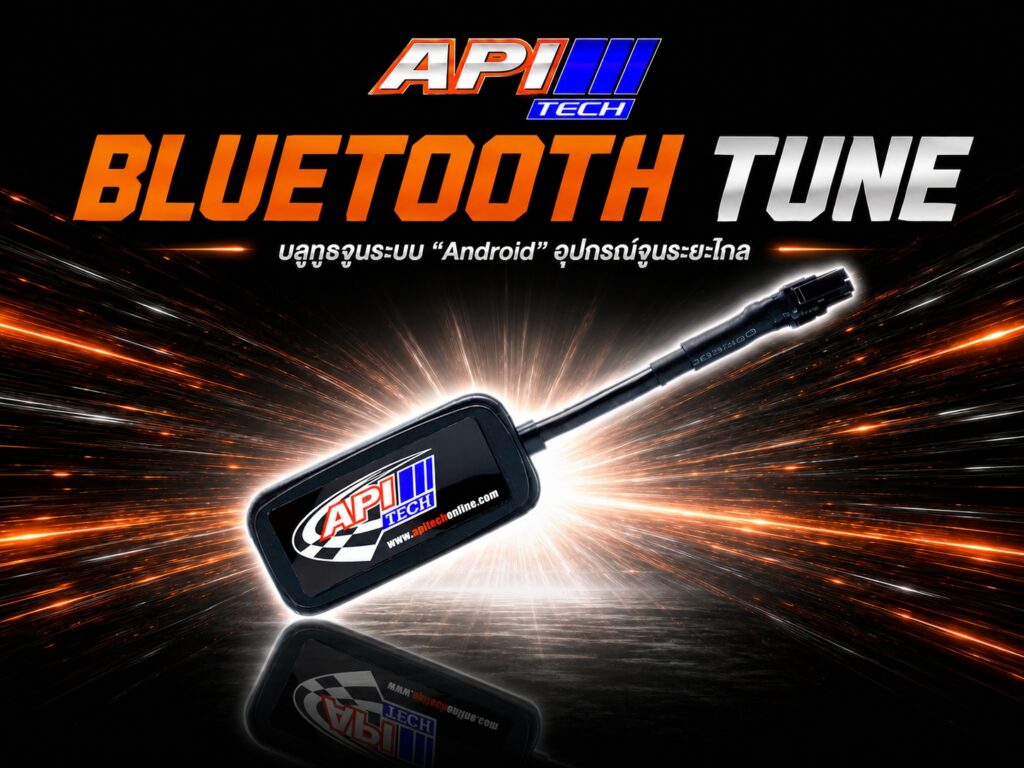
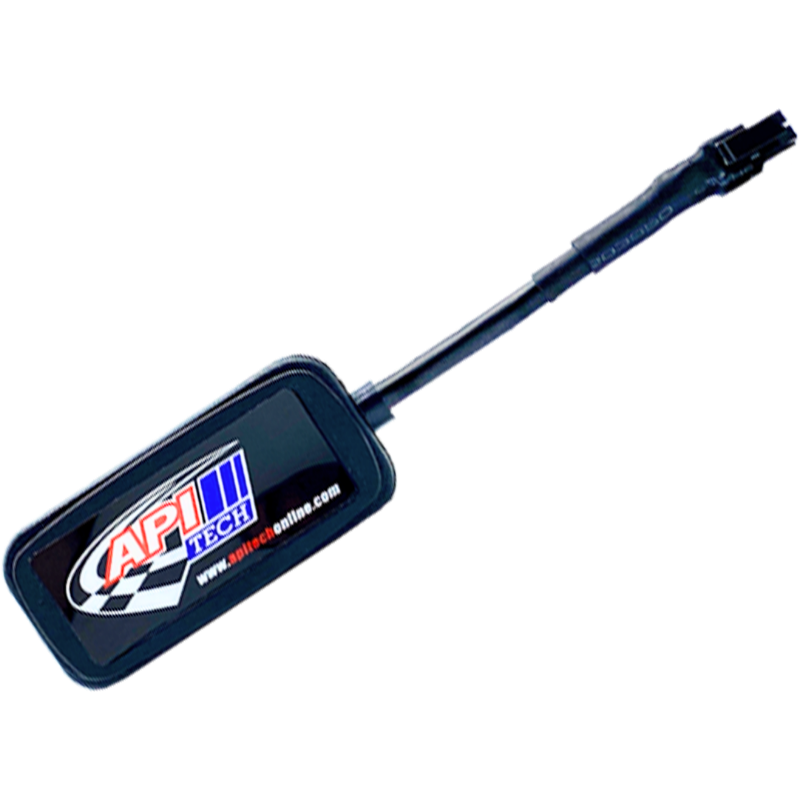
DATALINK Bluetooth — สายจูนบลูทูธ API Tech
DATALINK Bluetooth API Tech
Bluetooth
DATALINK BT
01
สายจูนบลูทูธ · Bluetooth Tune Cable
DATALINK
Bluetooth API Tech
จูนบลูทูธได้ ใช้งานง่าย สะดวก
เชื่อมต่อกล่อง ECM กับมือถือผ่าน Bluetooth ได้ทันที — ไม่ต้องพกสายพ่วง
✓ เชื่อมต่อ Bluetooth  ✓ ใช้งานง่าย  ✓ ราคาคุ้มค่า
Type
ประเภท
BT Adapter
Connect
เชื่อมต่อ
Bluetooth
Device
อุปกรณ์
Smartphone
Compat
รองรับ
ECM API Tech
฿1,500
จัดส่งฟรีทั่วประเทศ · Free shipping nationwide
สินค้าคงเหลือ / Stock
72%
DATALINK BT — ฿1,500
เชื่อมต่อ Bluetooth
จูนผ่านมือถือ
พกสะดวก ไม่มีสาย
🔌 DATALINK USB — ราคาต่างกัน
เชื่อมต่อ USB/PC
จูนผ่าน Windows
ปรับแต่งละเอียด
คุณสมบัติ / Features
Bluetoothไร้สาย ไร้ขีดจำกัด
จูนผ่านมือถือSmartphone Tune
ใช้งานง่ายEasy to Use
รองรับ ECM API TechAll Compatible ECM
พกพาสะดวกPortable
ไม่มีสายพันNo Tangled Cables
เชื่อมต่อรวดเร็วFast Pairing
ราคาคุ้มค่าGreat Value
รองรับ / Compatible With
ECM V.8.9 ECM V.9.0 ECM V.9.1 กล่อง API Tech ที่รองรับ BT
สั่งซื้อเลย / Order Now

ความเป็นมาของ Bluetooth tuning


  Bluetooth ถูกพัฒนาขึ้นครั้งแรกในช่วงทศวรรษ 1990 โดยบริษัท Ericsson ประเทศสวีเดน เพื่อแก้ปัญหาการเชื่อมต่อแบบสายระหว่างอุปกรณ์สื่อสารมือถือ ต่อมา Bluetooth ถูกพัฒนาเป็นมาตรฐานสากลภายใต้ Bluetooth Special Interest Group (SIG) มีวัตถุประสงค์เพื่อให้ การเชื่อมต่อระหว่างอุปกรณ์ไร้สาย เป็นเรื่องง่าย สะดวก และปลอดภัย
   Bluetooth ถูกออกแบบให้ทำงานใน ย่านความถี่ 2.4 GHz ISM band และใช้เทคนิค Frequency Hopping Spread Spectrum (FHSS) เพื่อลดปัญหาการรบกวนจากสัญญาณอื่น
   Bluetooth รุ่นแรก ๆ (Bluetooth 1.0 และ 1.1) เน้นการส่งข้อมูลระยะสั้นและเสียง ต่อมามีการพัฒนา Bluetooth Low Energy (BLE) เพื่อรองรับอุปกรณ์ IoT และอุปกรณ์สวมใส่ที่ใช้พลังงานต่ำ
  
   Bluetooth was first developed in the 1990s by Ericsson, Sweden, to solve the problem of wired connections between mobile communication devices. Later, Bluetooth was standardized globally under the Bluetooth Special Interest Group (SIG) to make wireless device connections simple, convenient, and secure.
   Bluetooth operates in the 2.4 GHz ISM band and uses Frequency Hopping Spread Spectrum (FHSS) to minimize interference from other signals.
   The early versions of Bluetooth (1.0 and 1.1) focused on short-range data and voice transmission. Later, Bluetooth Low Energy (BLE) was developed to support IoT devices and wearable electronics with low power consumption.

ผลลัพธ์หลังการใช้งาน

การค้นหาและจับคู่
(Device Discovery & Pairing)

การตรวจสอบข้อผิดพลาด (Error Detection and Correction)


  - อุปกรณ์ Bluetooth จะค้นหาอุปกรณ์รอบ ๆ ในโหมด Discoverable

   - หลังจากพบกัน อุปกรณ์จะทำการ Pairing และแลกเปลี่ยน รหัสยืนยัน (Authentication Code / PIN)

   - Bluetooth devices search for nearby devices in Discoverable mode.

   - Once discovered, they perform pairing and exchange an authentication code (PIN).


   - หลังจากจับคู่สำเร็จ อุปกรณ์จะสร้าง Piconet

   - Piconet คือเครือข่ายขนาดเล็กที่มี 1 master และ หลาย slave devices

   - After pairing, devices create a Piconet,

   - a small network with 1 master device and multiple slave devices.

การส่งข้อมูล (Data Transmission)

การจัดการพลังงาน (Power Management)


- ข้อมูลถูกแบ่งเป็น แพ็กเก็ต (Packets)

- ใช้ Time Division Duplex (TDD) เพื่อส่งและรับข้อมูลแบบสลับเวลา

- กระโดดความถี่ (Frequency Hopping) ทุก 1.28 ms เพื่อลดการรบกวน

- Data is divided into packets.

- Time Division Duplex (TDD) allows alternating send and receive operations.

- Frequency hopping occurs every 1.28 ms to minimize interference.


- Bluetooth มีโหมด Active, Sniff, Hold, Park เพื่อลดการใช้พลังงาน

- ทำให้เหมาะกับอุปกรณ์พกพาและ IoT

- Bluetooth has Active, Sniff, Hold, and Park modes to save power,

- making it suitable for portable and IoT devices.

การรักษาความปลอดภัย (Security)


- การเข้ารหัสข้อมูล (Encryption) ป้องกันการดักฟัง

- ใช้ Authentication เพื่อยืนยันอุปกรณ์ก่อนเชื่อมต่อ

- Data encryption prevents eavesdropping, and authentication ensures devices are verified before connection.

วิธีใช้ Bluetooth tuning

ผลลัพธ์หลังการใช้งาน

   - การเชื่อมต่อเสถียรขึ้น

   - ความเร็วในการส่งข้อมูลเพิ่มขึ้น

   - ลดสัญญาณรบกวน

   - ประหยัดพลังงาน

ประโยชน์ (Benefits)

- ส่งข้อมูลได้ถูกต้องและเชื่อถือได้

- ป้องกันข้อผิดพลาดและความสูญหายของข้อมูล

- ลดปัญหาการชนกันของสัญญาณ

- เหมาะกับอุปกรณ์ IoT และอุปกรณ์พกพา

⚠️ ข้อควรระวัง (Precautions)

- อย่าเพิ่ม Transmit Power มากเกินไป

- ตรวจสอบว่าอุปกรณ์รองรับการปรับแต่ง

- หลีกเลี่ยงช่องสัญญาณที่มีสัญญาณรบกวนสูง

Shopping Cart
0
Scroll to Top